

App creation workflow
Step 1: Access Manage Apps
Navigate to the Data & AI Apps section in your 5X platform and click on Manage Apps to access the application management interface.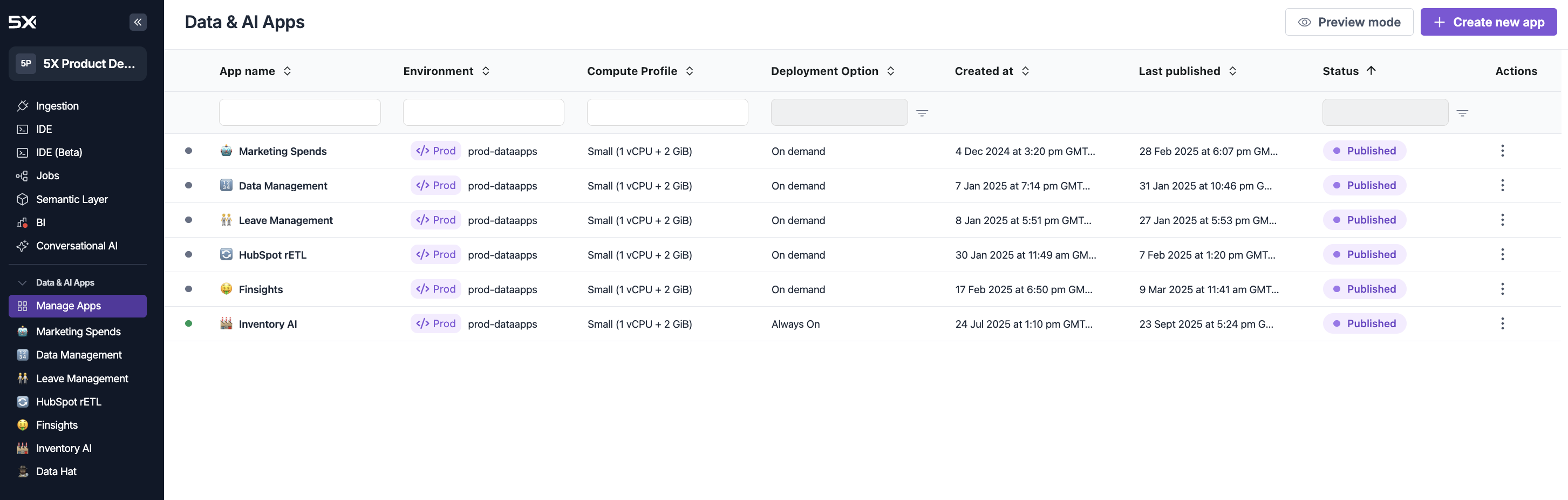
Step 2: Create new app
Click the + Create new app button to open the app creation modal.Repository options
Choose how you want to create your Streamlit application:- 5X Managed
- GitHub
Choose 5X Managed when you want to create a new Streamlit application from scratch: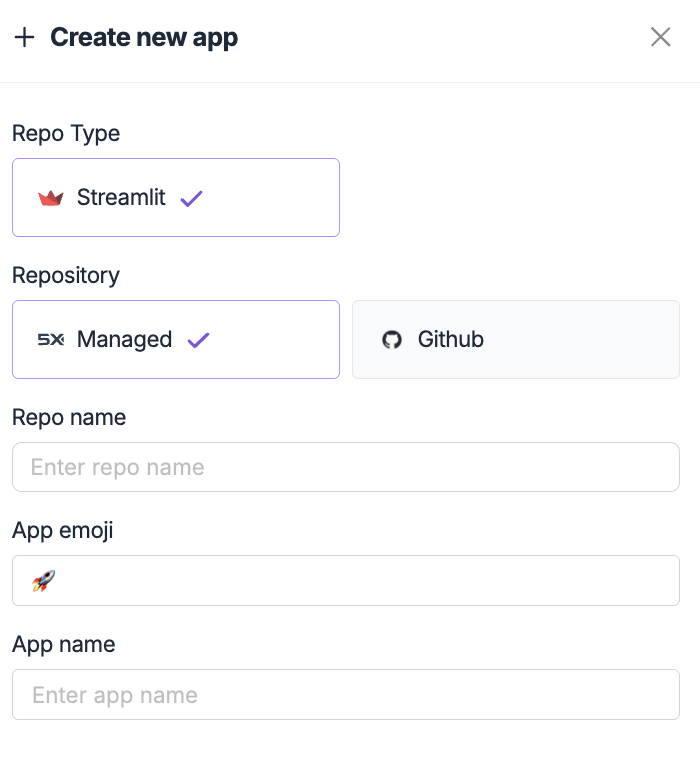
- Creating a new application from scratch
- Learning Streamlit development
- Quick prototyping and experimentation
- Applications that don’t require complex Git workflows
- Pre-configured Streamlit environment
- Basic app structure and dependencies
- Ready-to-use development environment
- Automatic repository management
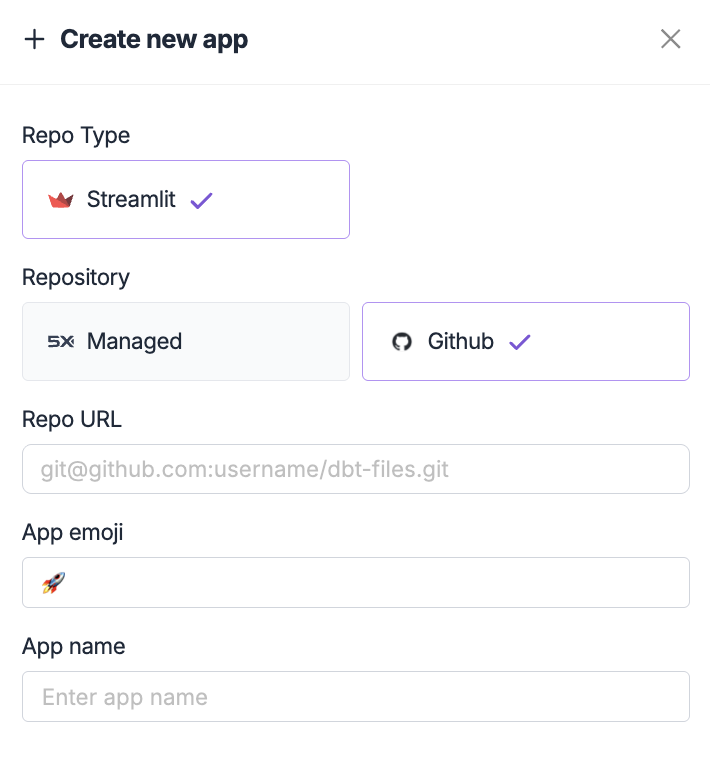
Next steps
After creating your app, you’re ready to start development:App Publishing
Start developingLearn how to develop and test your application using the 5X IDE.
Publishing & Deployment
Deploy your appUnderstand how to publish and configure deployment options for your application.
Troubleshooting
Common issues
GitHub repository access
GitHub repository access
Issue: Cannot access GitHub repositorySolutions:
- Verify the repository URL is correct
- Ensure the repository is public or you have proper access permissions
- Check that the repository contains a valid Streamlit application
- Confirm the repository has a
requirements.txtfile
Repository structure
Repository structure
Issue: App creation fails due to repository structureSolutions:
- Ensure your repository has a main Streamlit file (usually
app.pyormain.py) - Verify the
requirements.txtfile includes Streamlit and other dependencies - Check that the repository structure follows Streamlit conventions
- Make sure there are no conflicting files or configurations
Configuration errors
Configuration errors
Issue: App configuration validation failsSolutions:
- Use valid characters in repository and app names
- Ensure app names are descriptive and unique
- Verify emoji selection is working properly
- Check that all required fields are filled out
App Publishing
Develop your appLearn how to build and test your Streamlit application using the 5X IDE.
IDE Setup
IDE configurationSet up your development environment for efficient app development.