

Creating a new job
Step 1: Name your job
Start by creating a new job and giving it a descriptive name:- Navigate to the Jobs section in your workspace
- Click ”+ New Job” to create a new workflow
- Enter a descriptive name for your job in the modal dialog
- Click “Create job” to proceed to the workflow builder
Step 2: Configure job settings
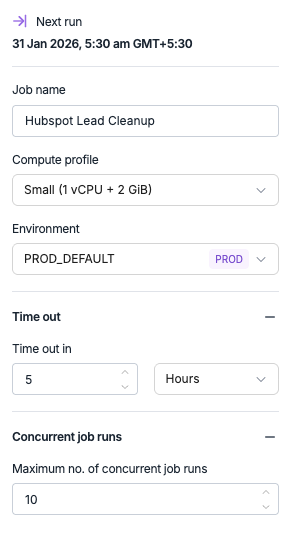
Before building your workflow, configure the basic job settings:- Job name - Update the job name if needed
- Compute profile - Select the appropriate compute resources (Small, Medium, Large)
- Environment - Choose the environment where this job will execute
- Timeout settings - Set execution time limits if needed
- Concurrent runs - Configure how many instances can run simultaneously
Building workflows with triggers
Every job workflow starts with a trigger that determines when and how the pipeline executes.- Manual trigger
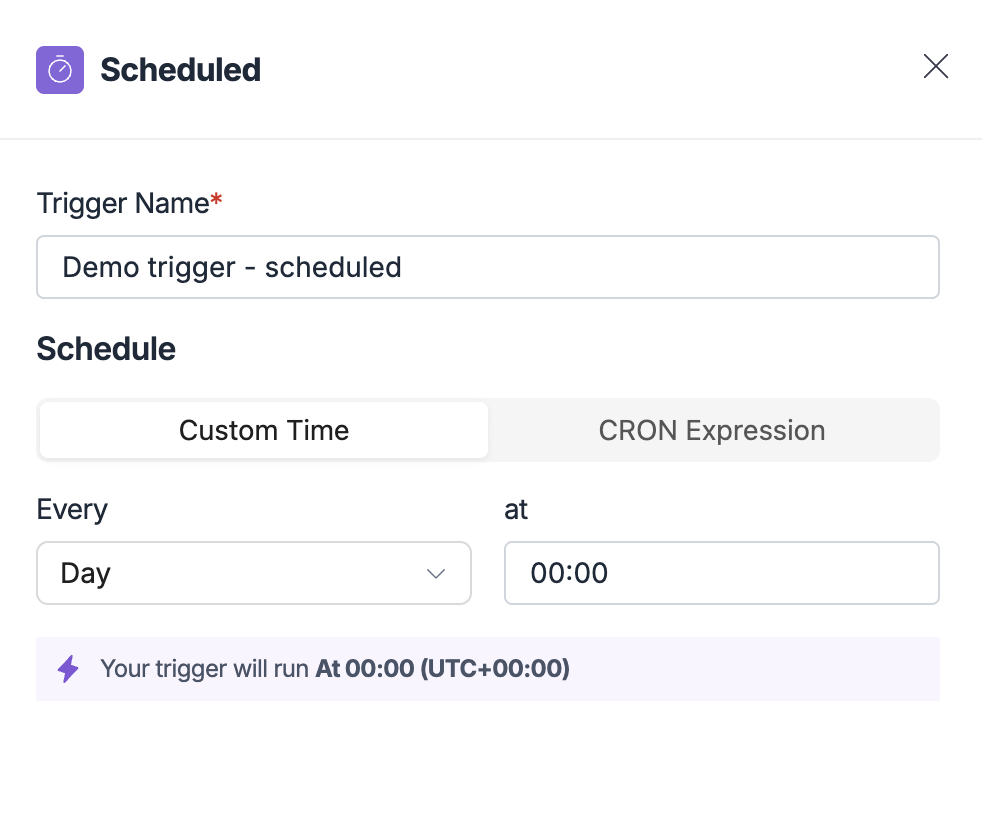
- Scheduled trigger
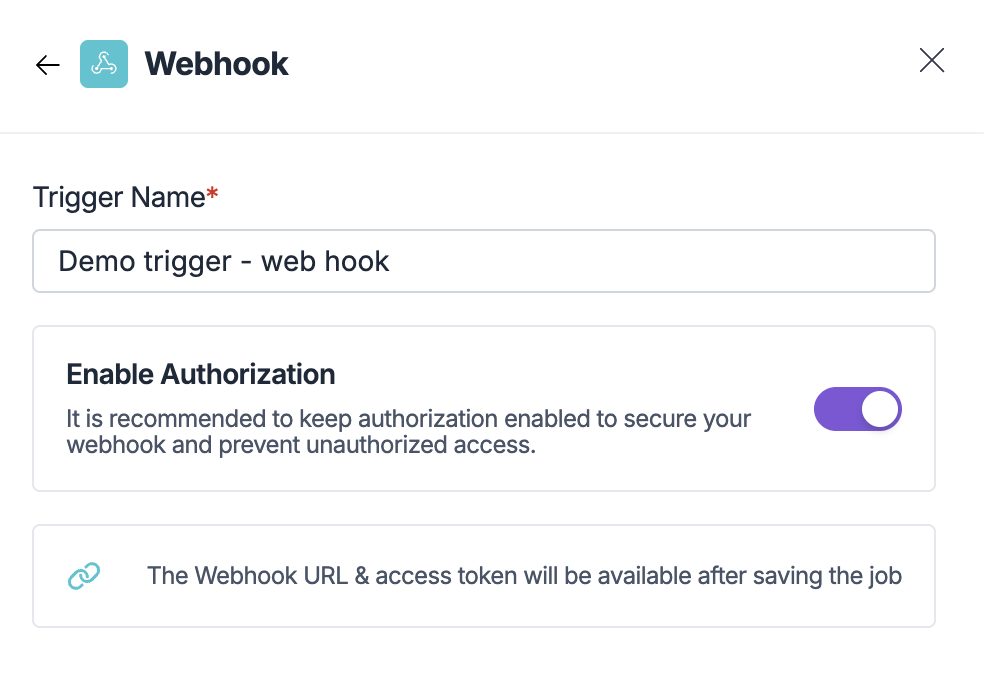
- Webhook trigger
- Pull request trigger
Perfect for testing, debugging, or ad-hoc execution: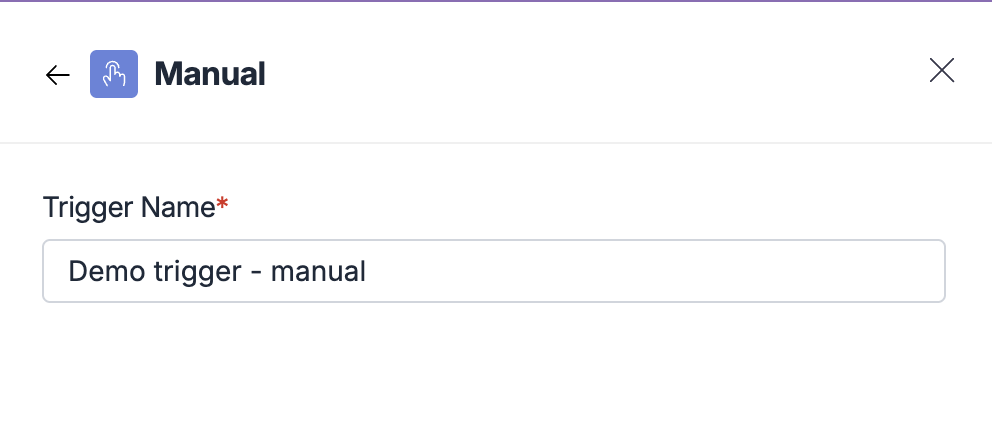
- Click “Start the flow” on the canvas
- Select “Manual” from the trigger options
- Configure the trigger name
- Click to add the trigger to your workflow
- Testing new workflows
- Ad-hoc data processing
- Manual data refresh
- Debugging pipeline issues
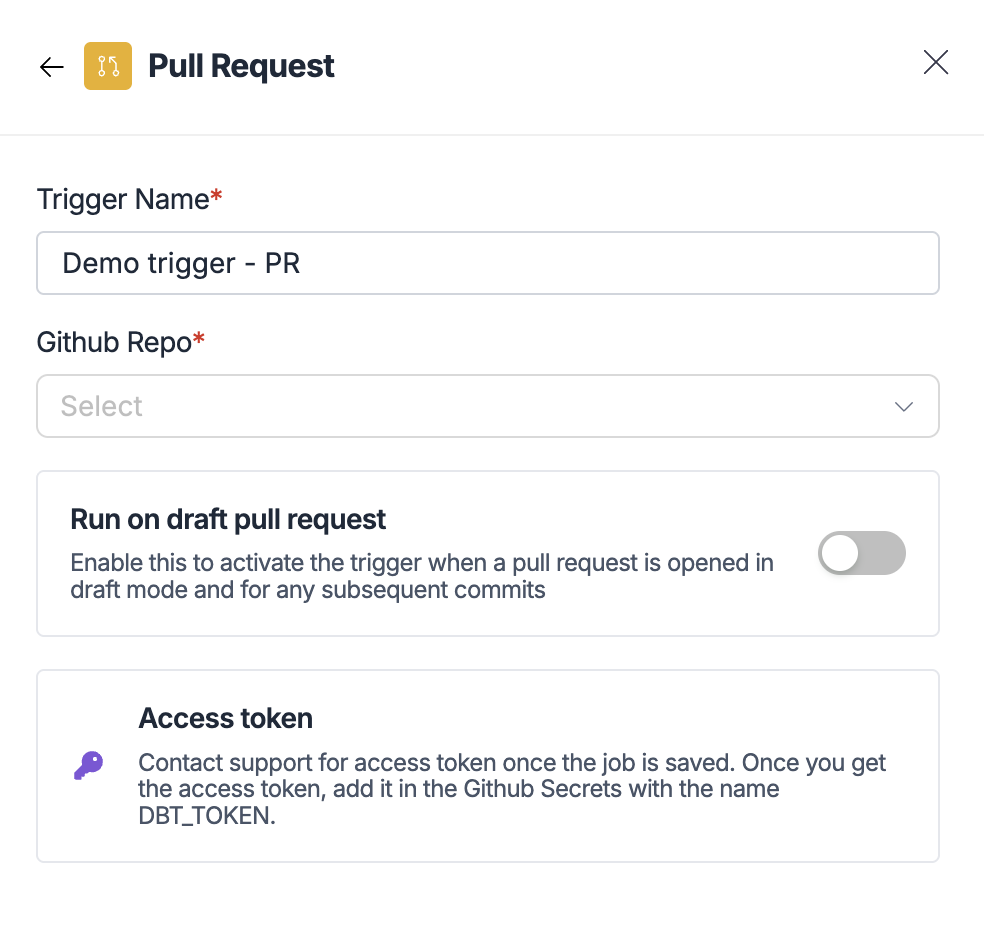
Adding tasks to your workflow
Once you have a trigger, add tasks to define what work your pipeline performs.- Data ingestion tasks
- dbt modeling tasks
- Custom Python code tasks
- Parallel job tasks
Use existing connectors to bring data into your warehouse: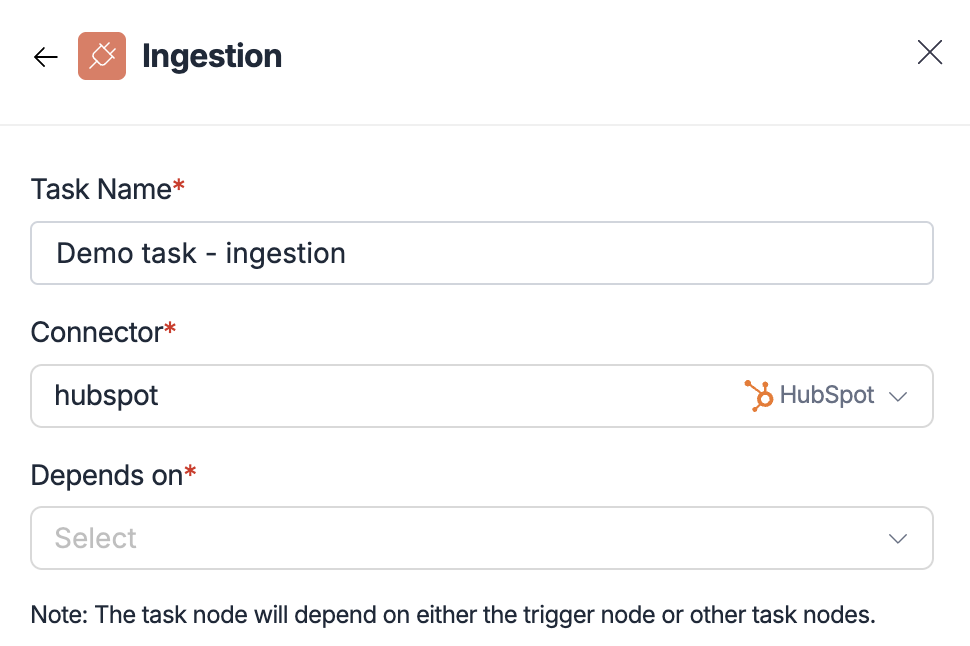
- Click the ”+” button after your trigger
- Select “Ingestion” from the task options
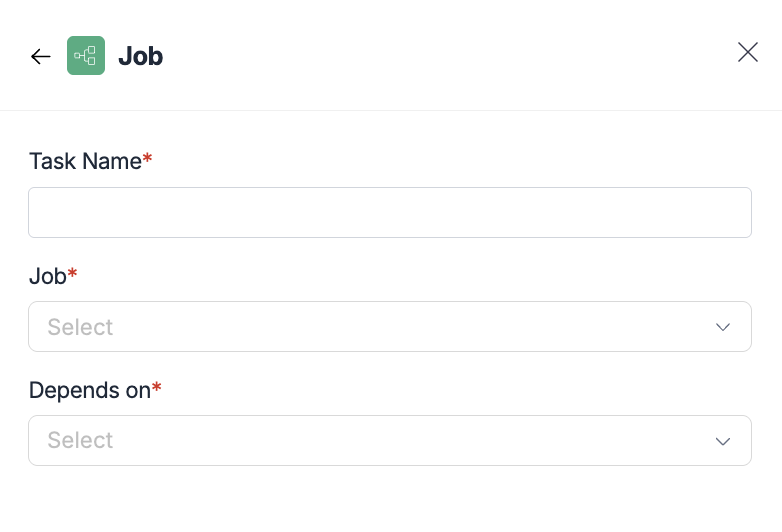
- Configure the task:
- Task name - Descriptive name for this ingestion step
- Connector - Select from 600+ available connectors
- Depends on - Choose trigger or previous tasks
- Same connectors as 5X Ingestion
- Automatic dependency management
- Seamless data flow between pipeline steps
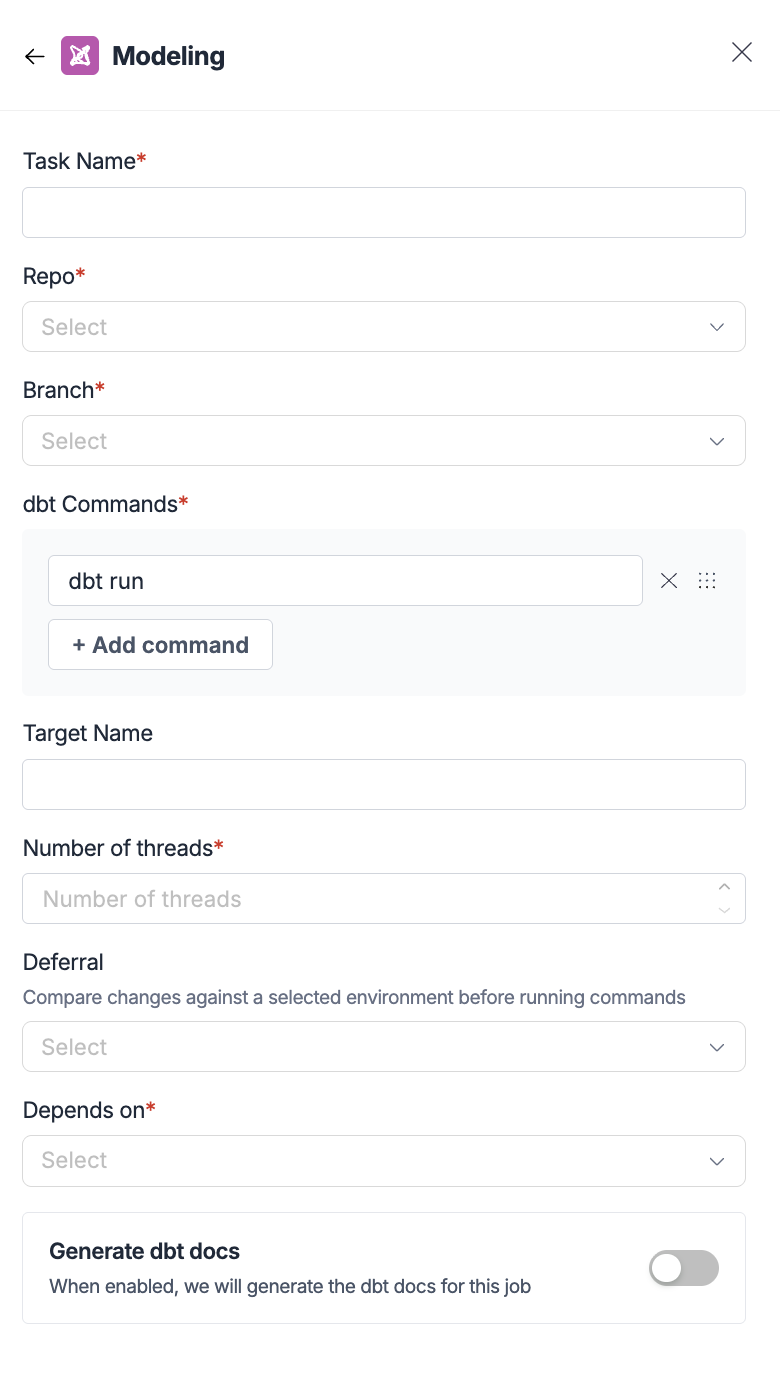
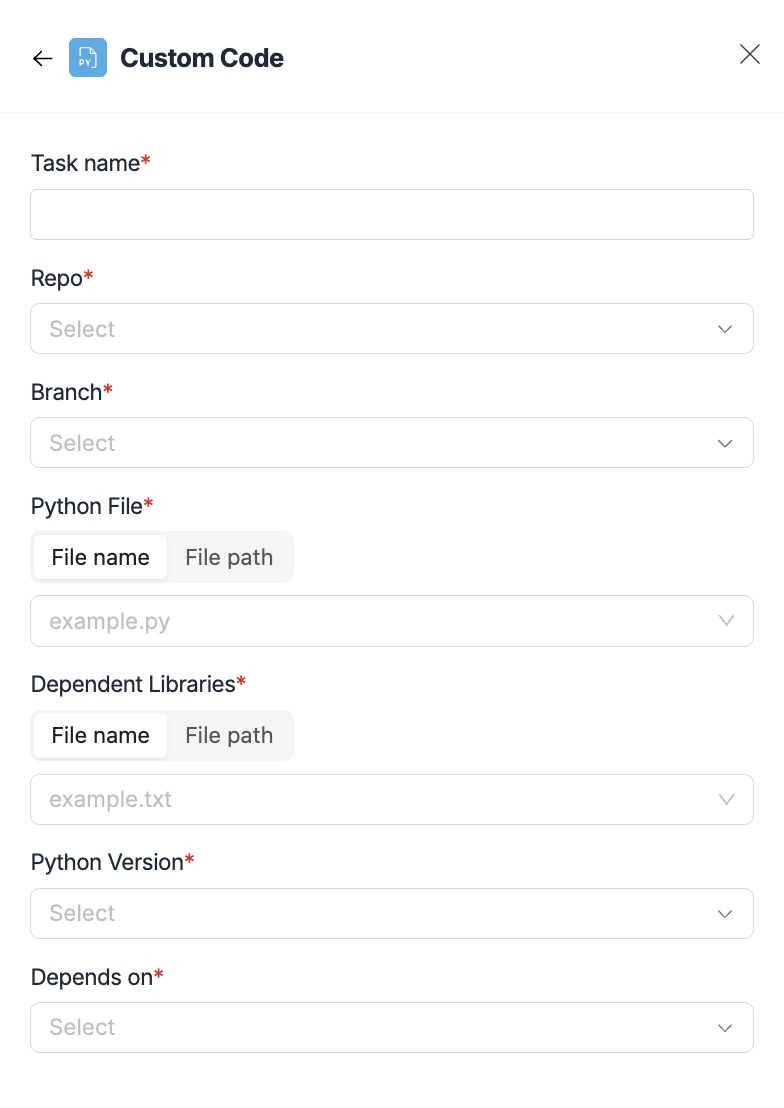
Managing dependencies and flow
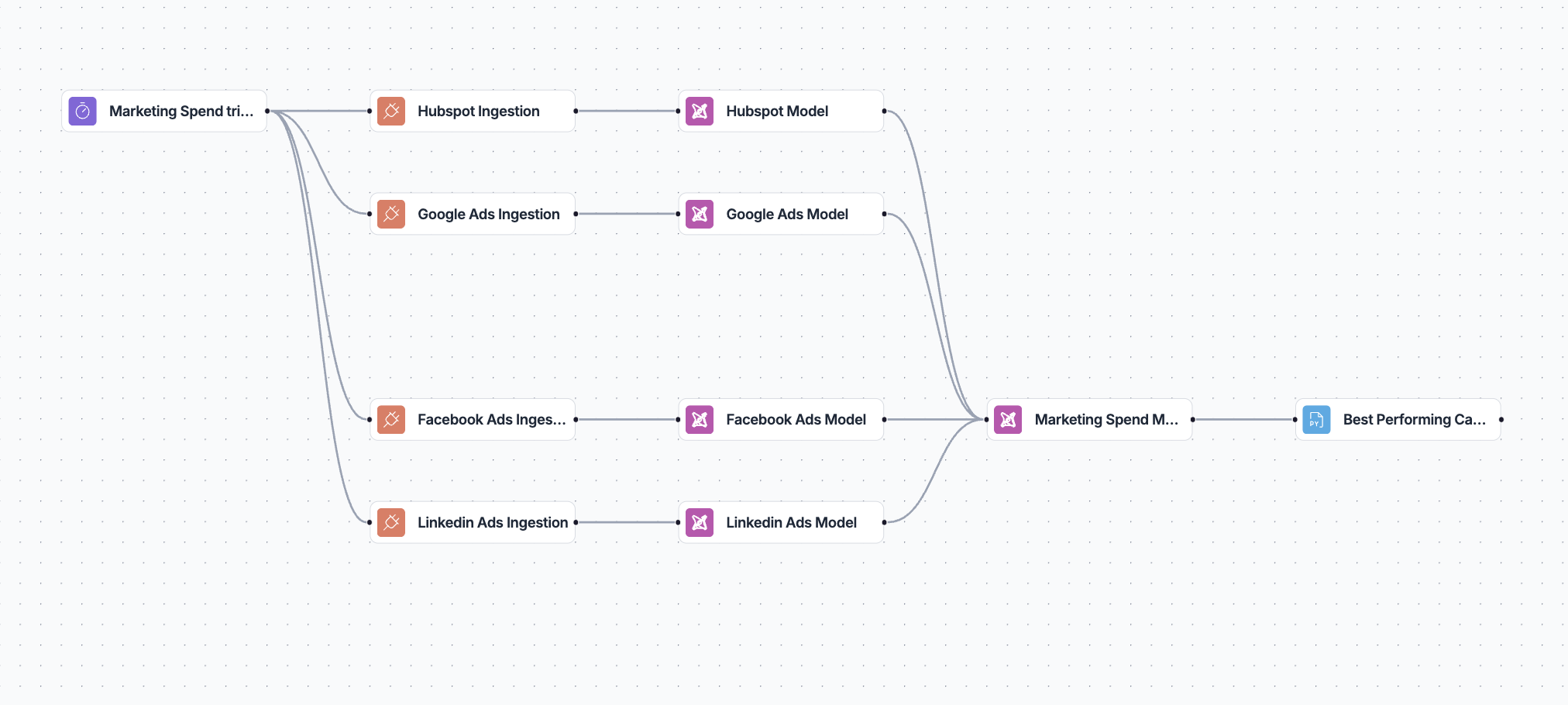
Visual dependency management
The workflow builder automatically handles task dependencies:- Sequential execution - Tasks run in order based on connections
- Parallel execution - Tasks without dependencies run simultaneously
- Conditional flow - Complex branching based on task outcomes
- Error handling - Failed tasks stop dependent execution
Best practices for workflow design
Start simple:- Begin with basic triggers and single tasks
- Test each component before adding complexity
- Use manual triggers for initial development
- Add appropriate timeout settings
- Configure concurrent run limits
- Plan for error scenarios and retries
- Use parallel execution where possible
- Select appropriate compute profiles
- Minimize unnecessary dependencies
- Use descriptive names for triggers and tasks
- Document complex workflows
- Keep workflows focused on specific business processes
Publishing and testing workflows
Draft vs Live versions
5X Jobs supports draft development with live execution:- Draft changes - Develop and modify workflows without affecting production. Test changes thoroughly before publishing!
- Live execution - Only published workflows execute on schedule
Publishing workflows
- Complete your workflow configuration
- Review all settings and dependencies
- Click “Publish” to make changes live
- Monitor the first execution to ensure proper operation